
Templates can be used on a variety of web filing forms and will only populate similar data fields [i.e. Form A (Transfer) Applicant information = Form B (Mortgage) Applicant information]
Save all your template files in the same folder for ease of access
Creating a Template
Locate and navigate to a web filing package and open the web application that will serve as the template
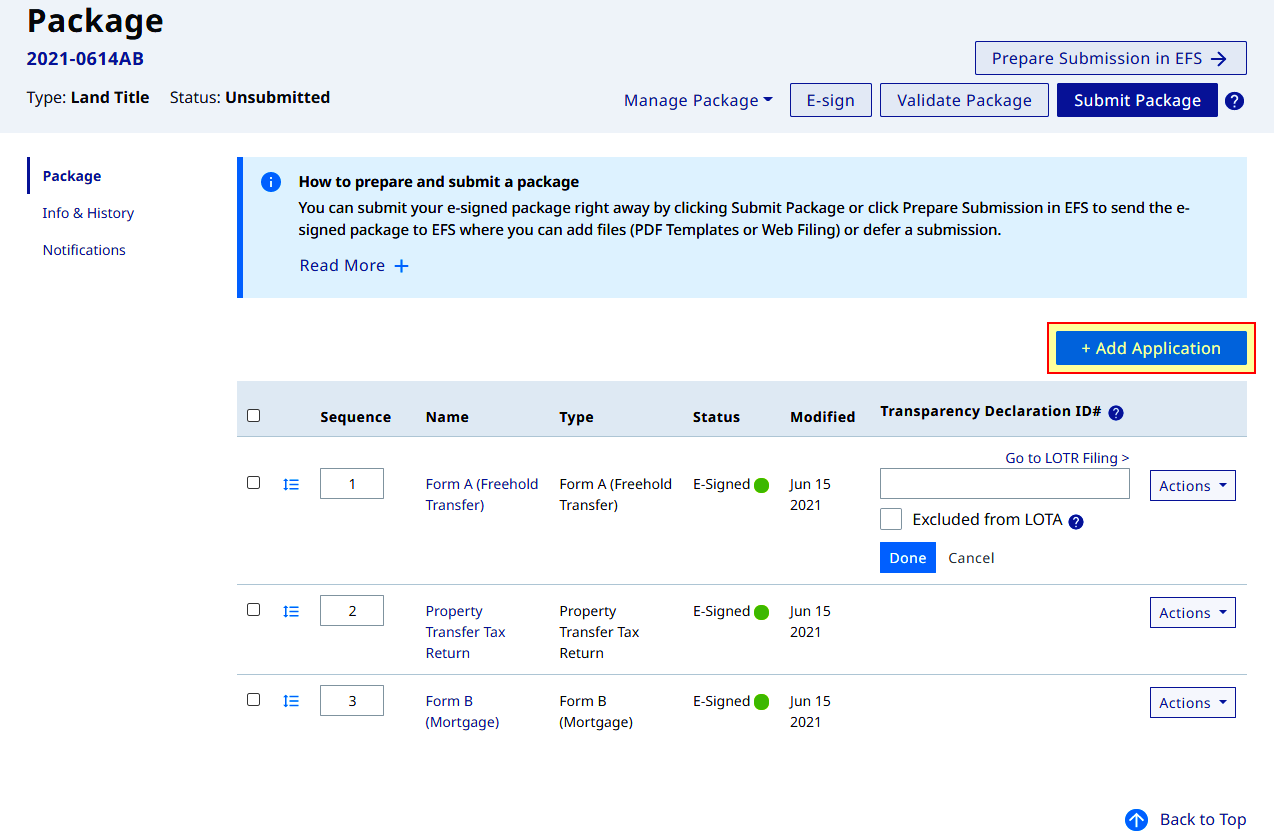
Click Manage Form Data then select Save Template on the dropdown
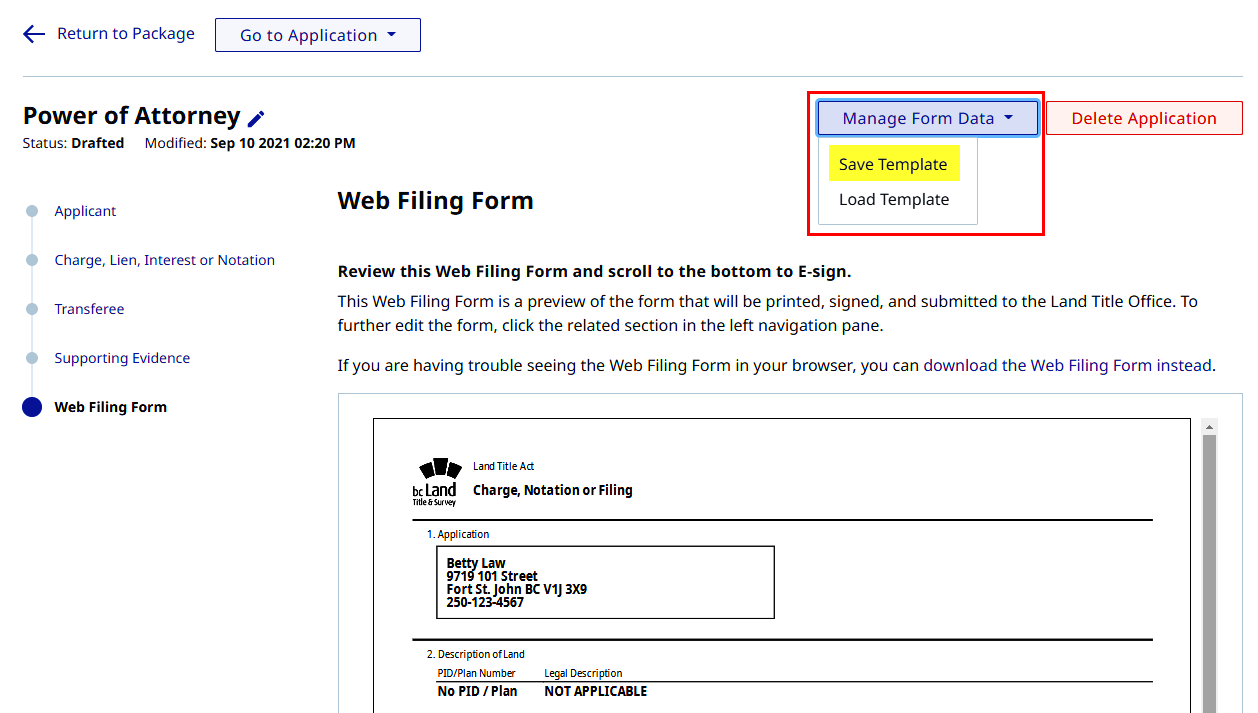
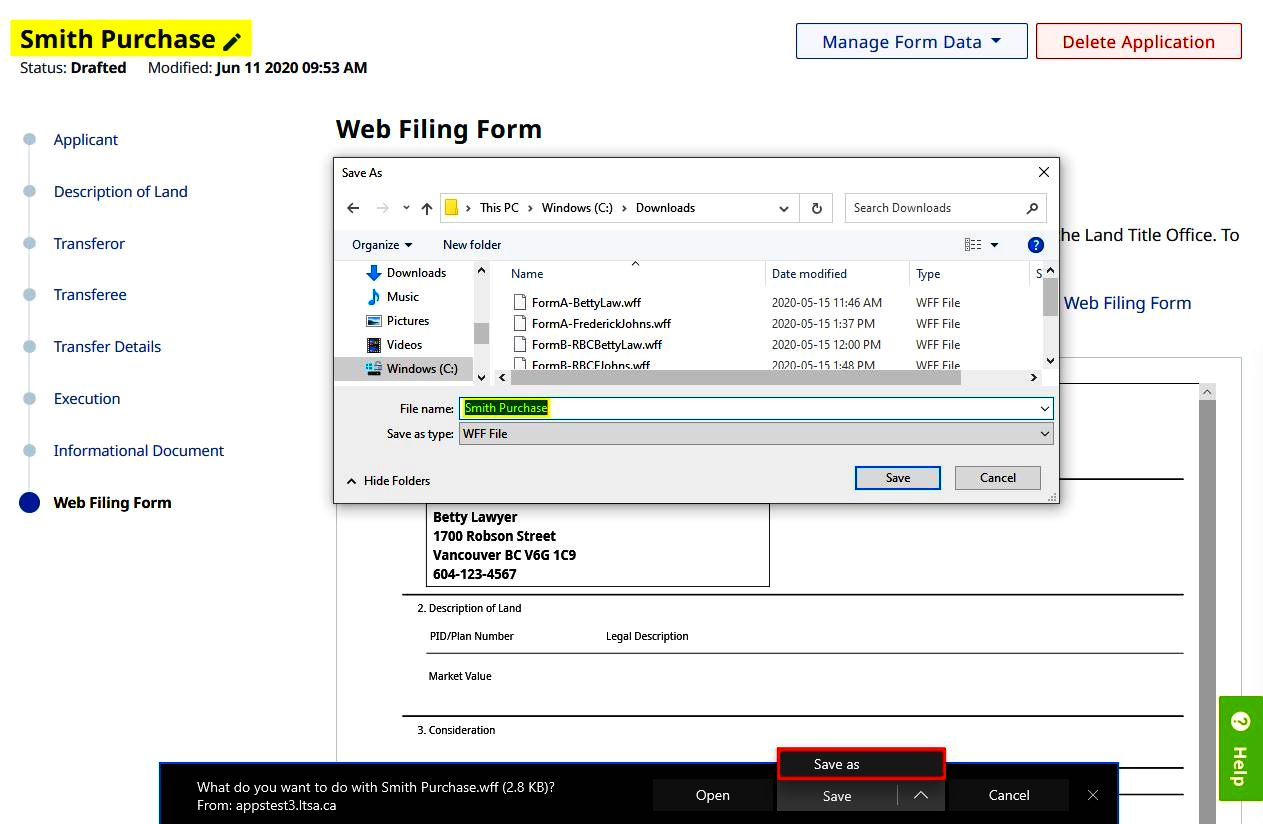
The save action of your browser will display saving a *.WFF file named after the form name
The *.WFF file name is influenced by few naming conventions and may be different in some cases
- The file name can be taken from the original form label name
- The file name can be taken from the renamed form label name
If the browser automatically saves the *.WFF file, the browser save file download functionality must be adjusted. The processes below are for supported browsers - Google Chrome, Mozilla Firefox, Microsoft Edge
Google Chrome
In Google Chrome click Settings > click Advance > select Downloads > Turn on Ask where to save each file before downloading
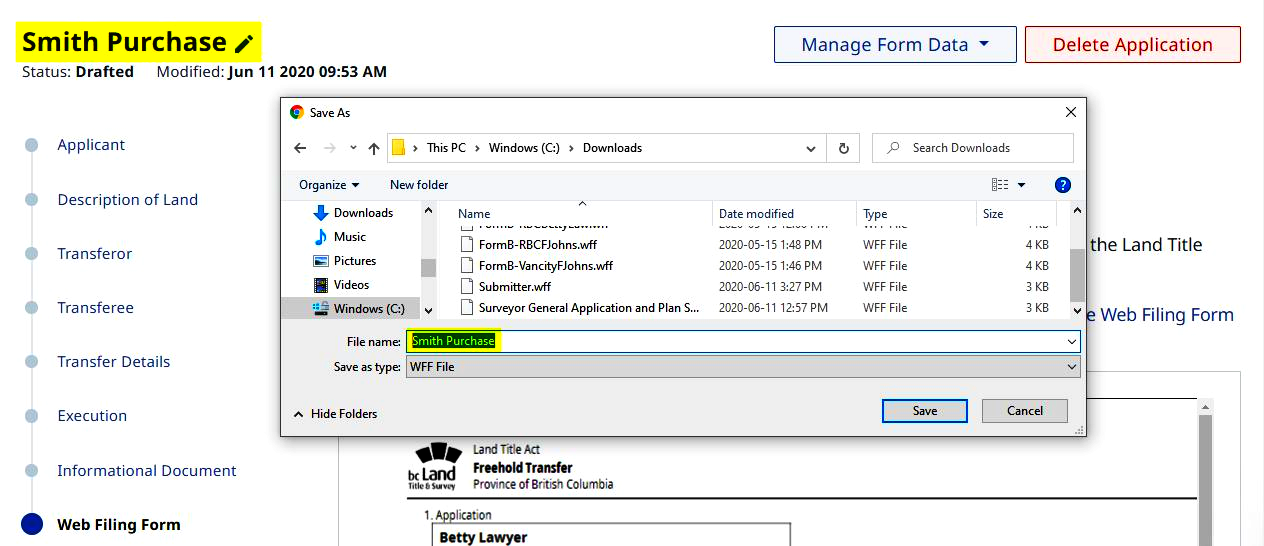
Mozilla Firefox
In Mozilla Firefox click Options > select General > scroll to Files and Applications > Downloads > select Always ask you where to save files
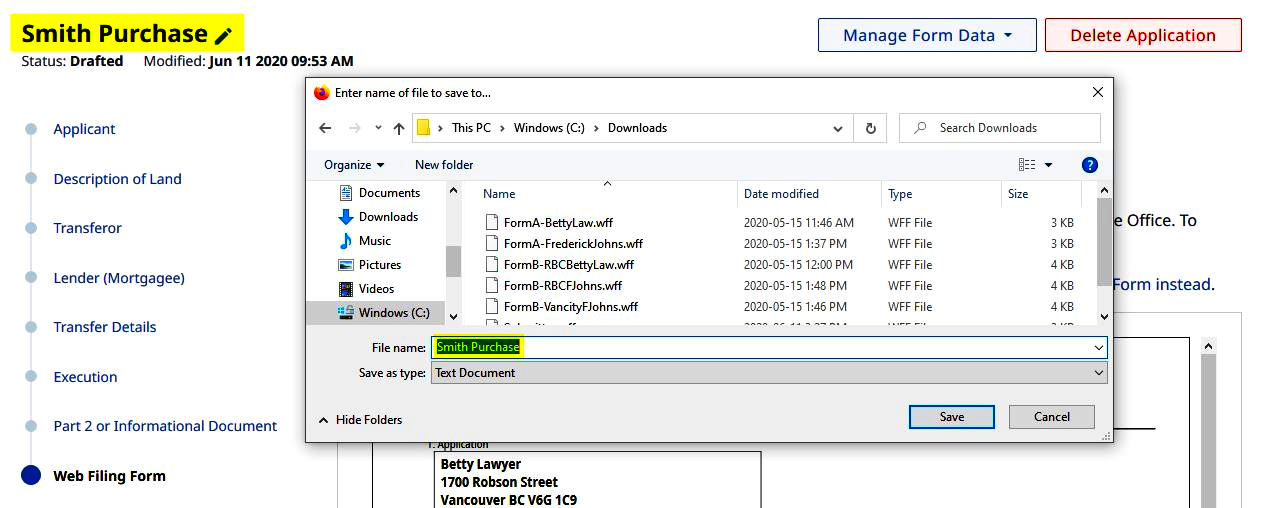
Microsoft Edge
In Microsoft Edge click Settings > select General > scroll to Downloads > Turn on Ask me what to do with each download
The template file can now be used to create a new web filing form
Create a new application using a saved template
Locate and navigate to your web filing package
Scenario 1
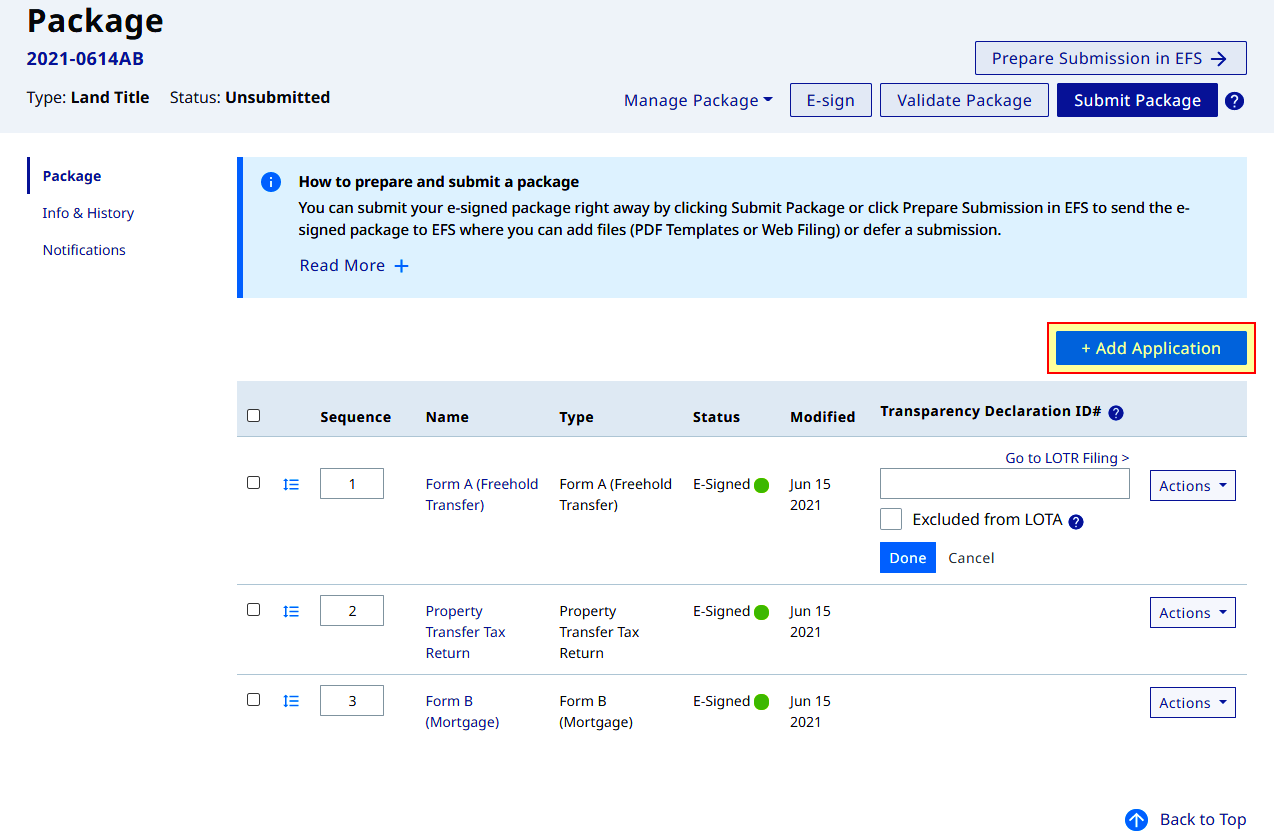
On the Package page of an existing package click + Add Application
Scenario 2
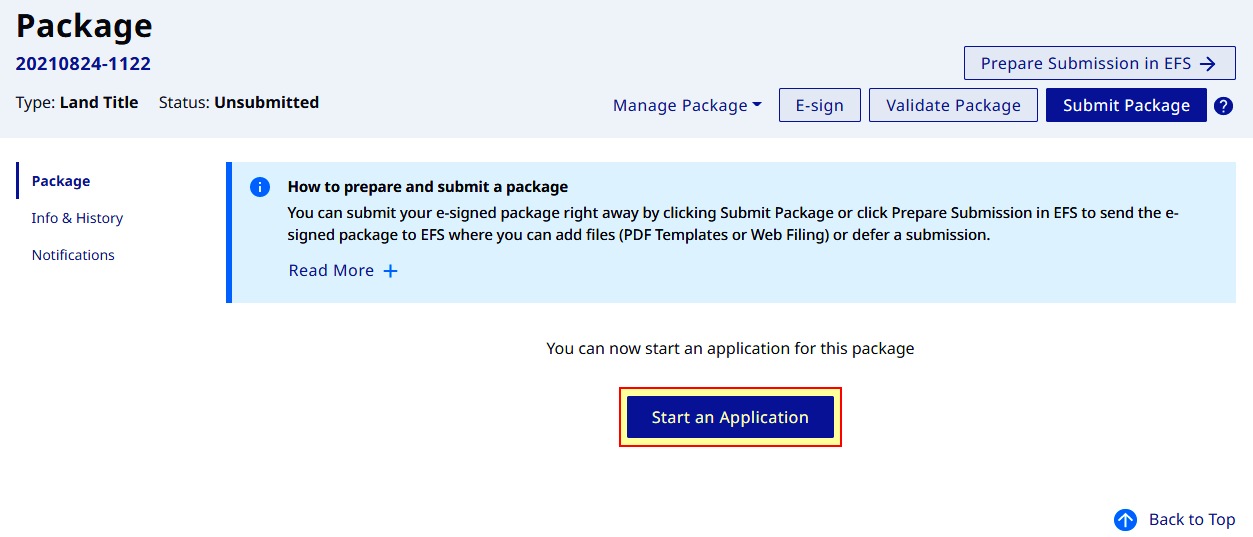
On a new package click Start an Application
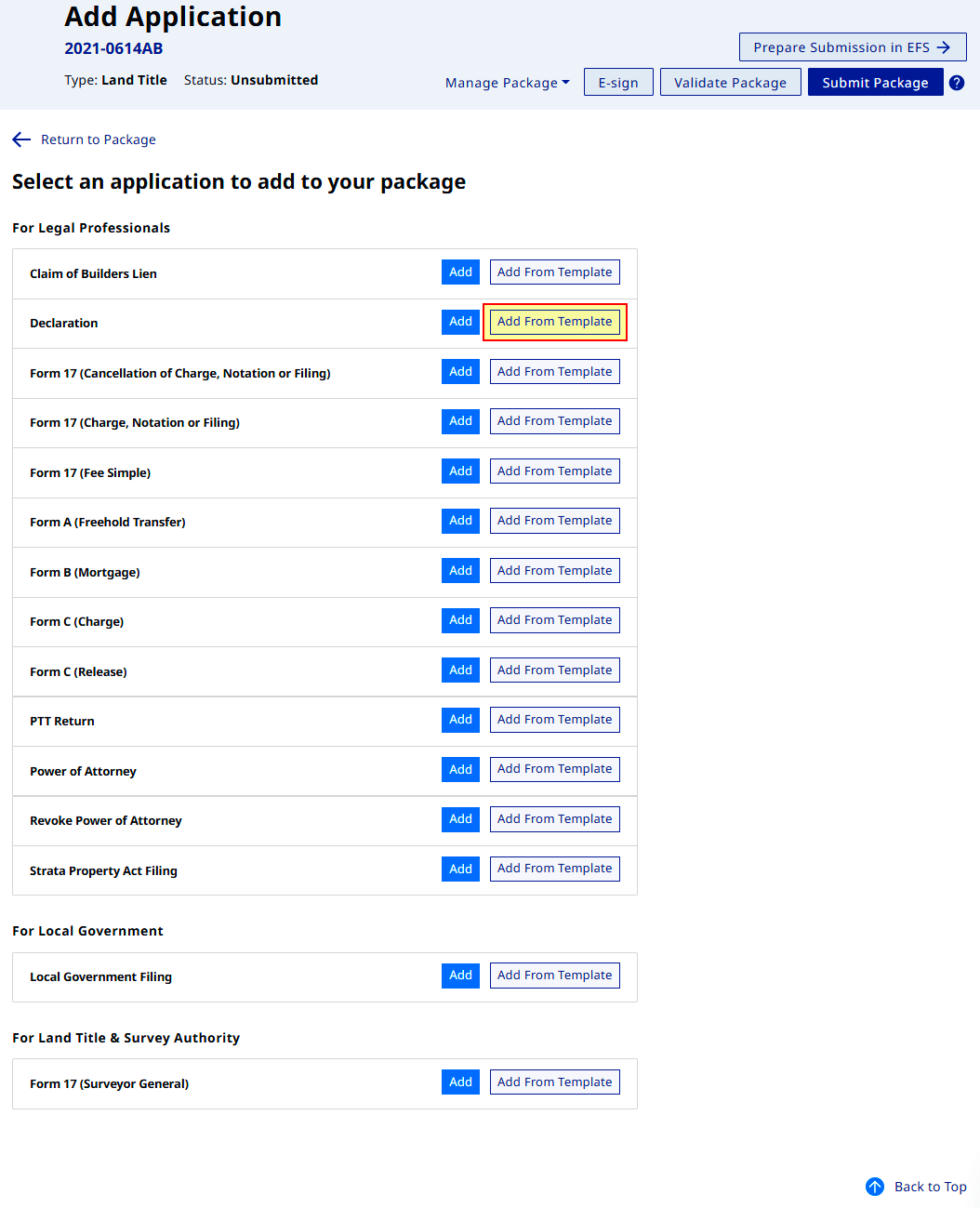
On the Add Application page click Add From Template to select the form to include in your web filing package
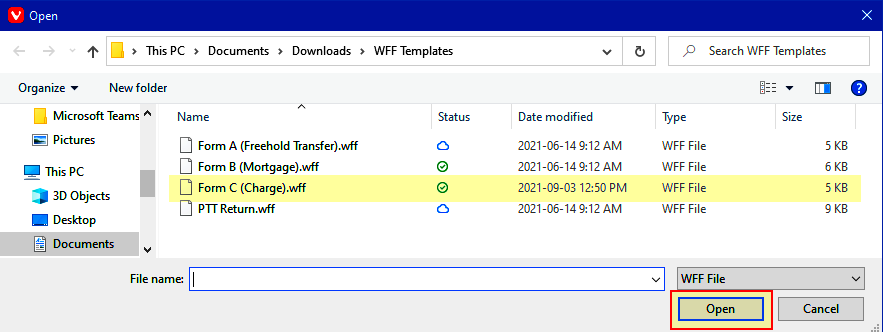
A browser upload window will appear, select the template file then click Open
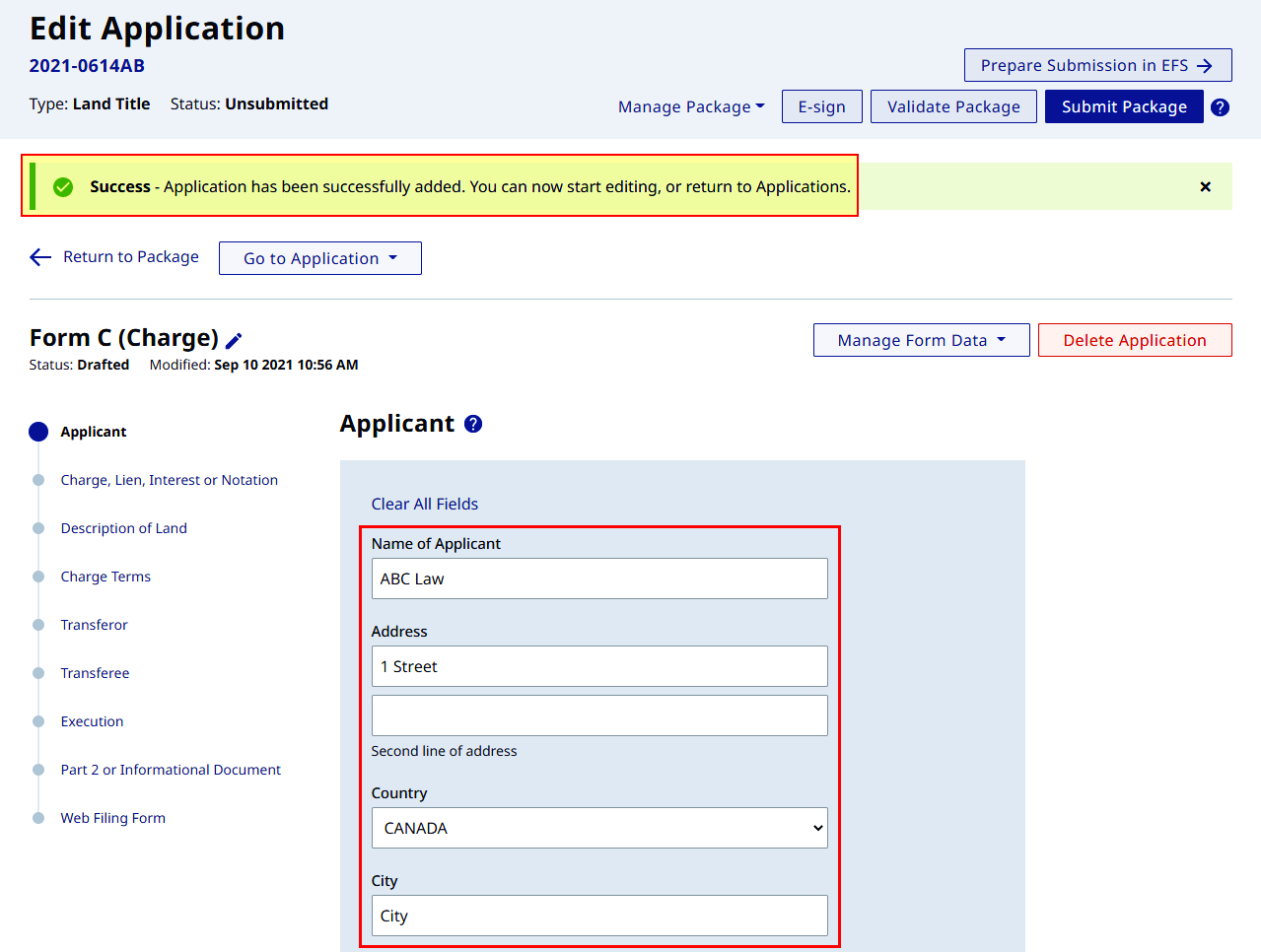
The Edit Application page displays with a success message confirming the addition of a new form to the web filing package
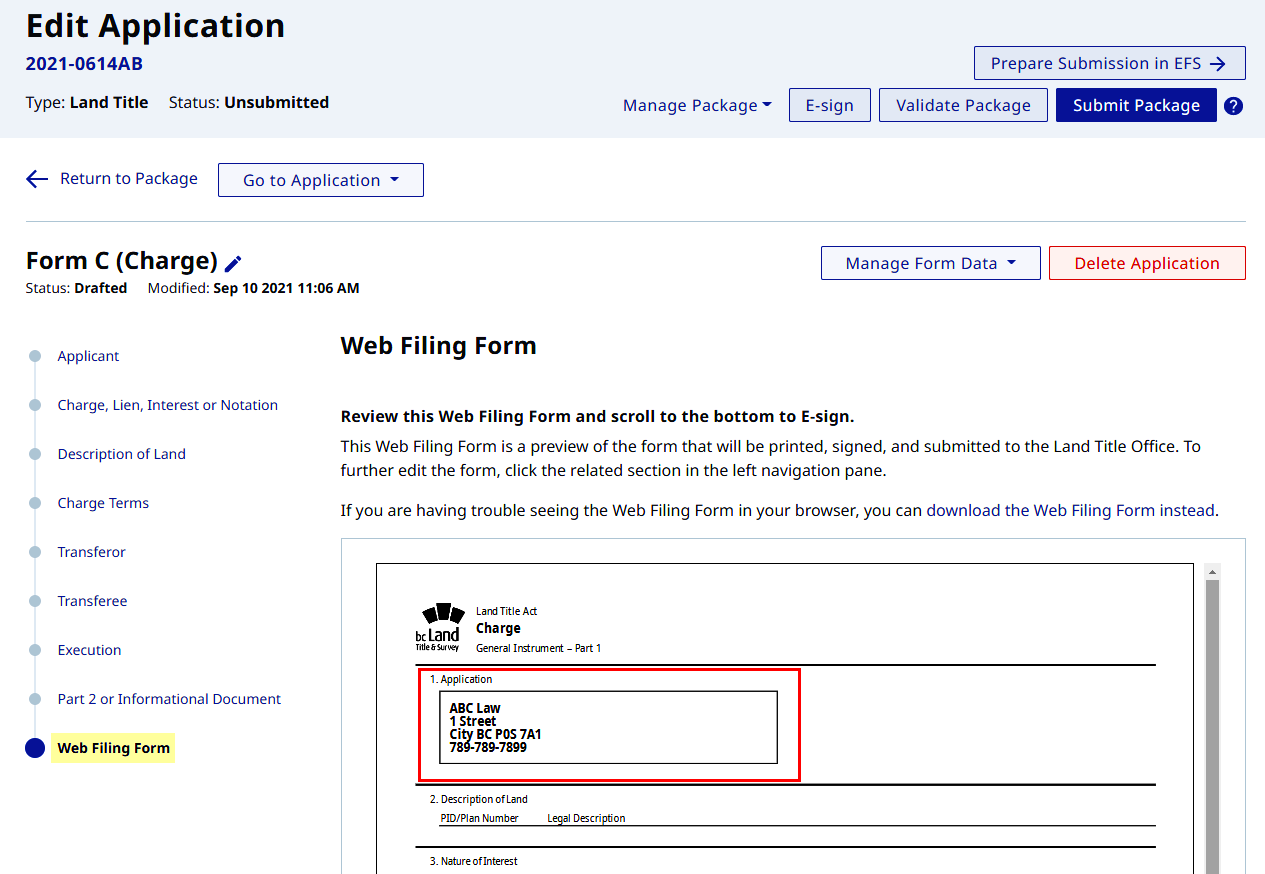
Template populated sections can be visually verified on the Edit Application page Web Filing Form section
Continue on to edit the new web filing form
Refer here to view Land Title web filing form practice guides