
On This Page
Navigate the BC Property Connect homepage
Learn how to use the BC Property Connect homepage to view your properties, alerts and Property Owner credentials, and find resources, support and other services.
After you sign in to BC Property Connect, you’ll see the homepage.
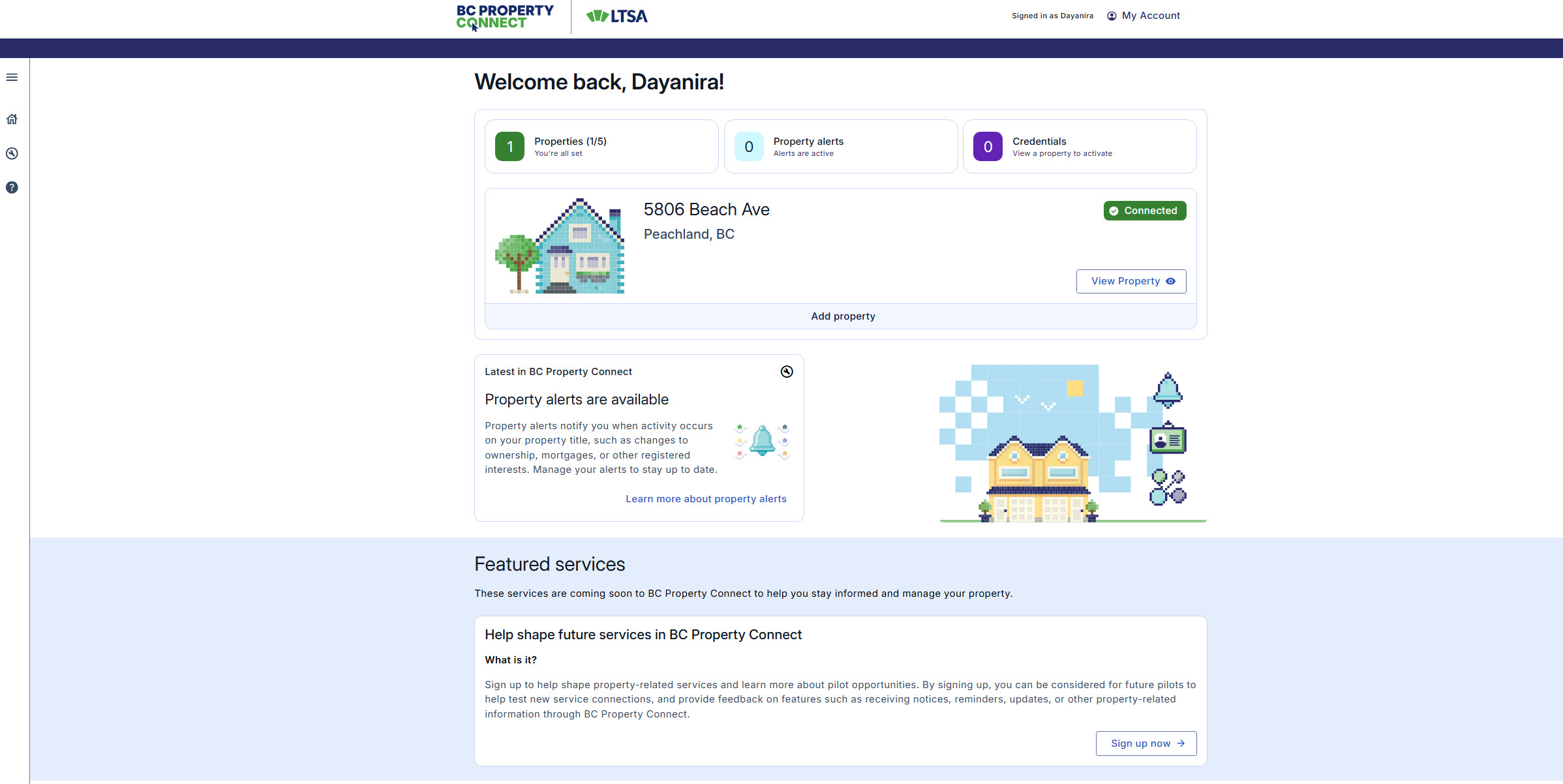
BC Property Connect homepage Use the left sidebar to access the following options: Open sidebar, Home, Resources, and Help & support

Sidebar icons
View your dashboard
At the top of the page, the dashboard shows the number of property added, the number of property alerts received, and the number of Property Owner credentials requested.
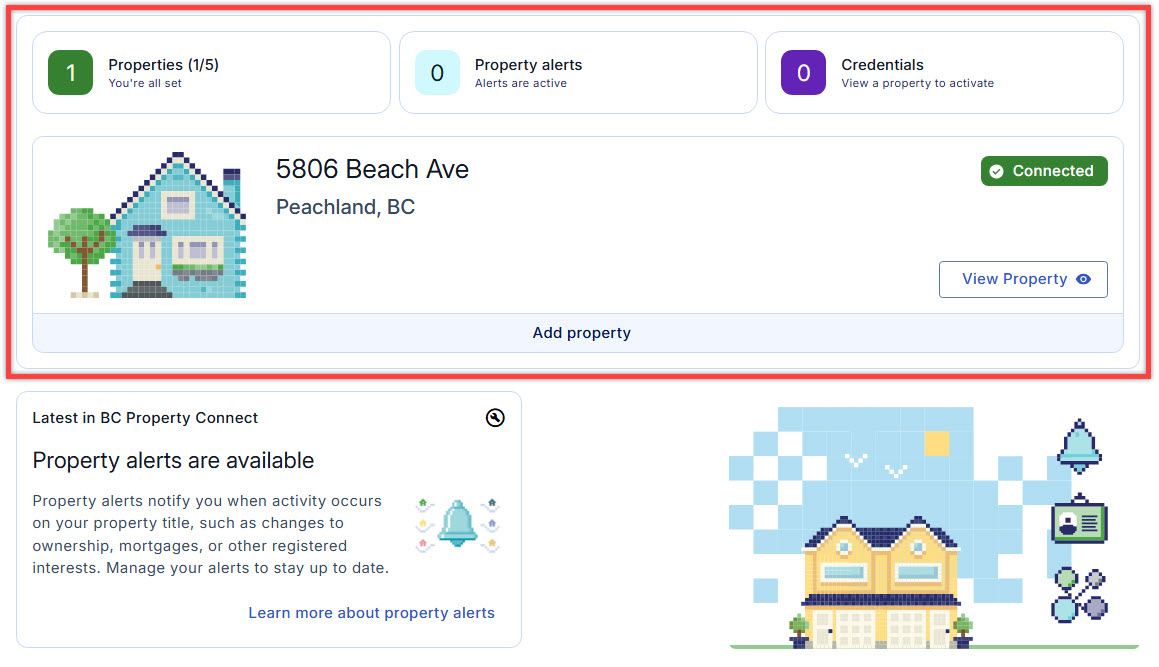
View key property and account information on the dashboard If you have added more than one property, you will see all your properties on the dashboard.
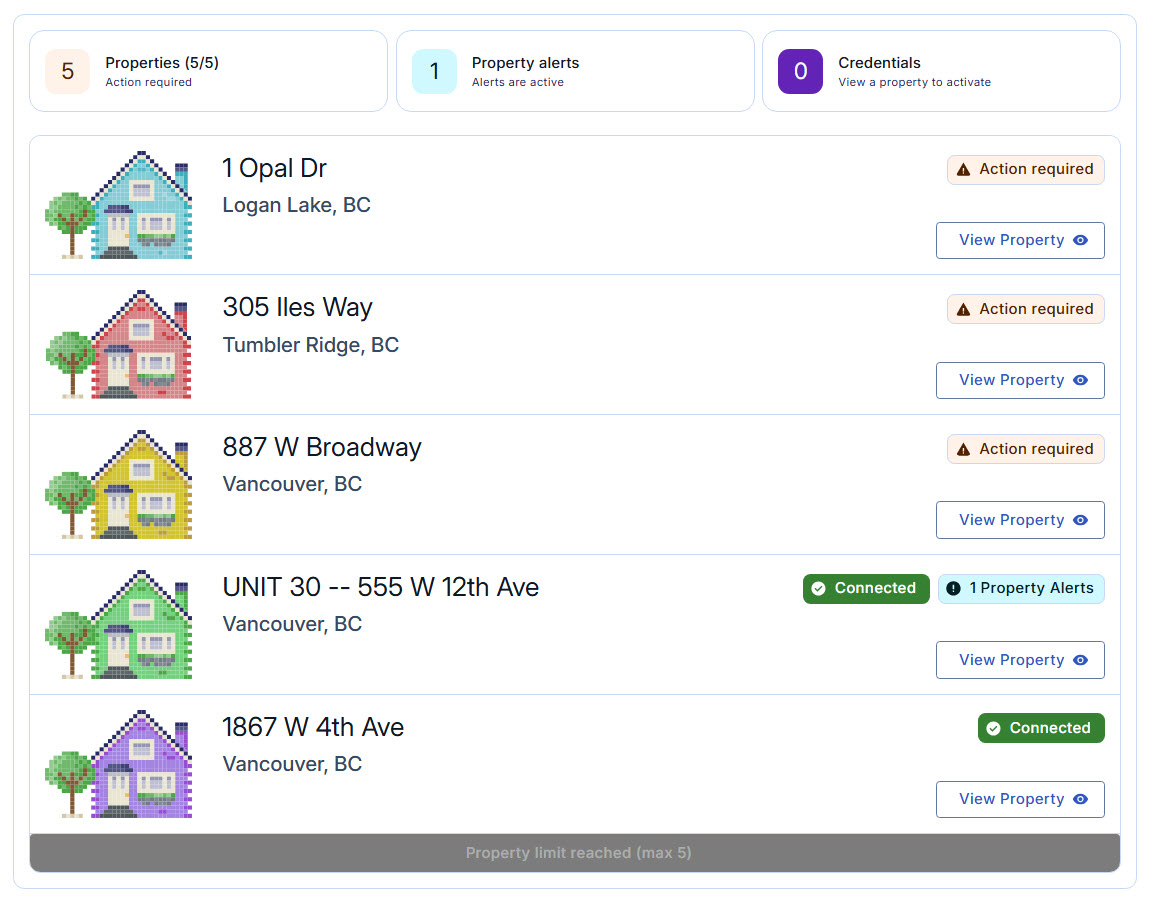
All properties you added will be displayed on the dashboard Select View Property for a property to view property alerts or request a Property Owner credential. For more information about property statuses, see Property Connection Status Overview page.
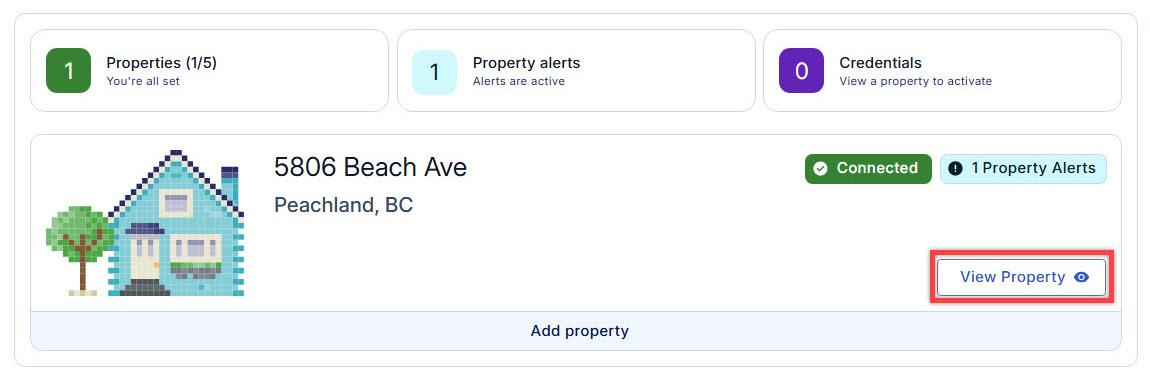
Select View Property to view information of the property
Find information and services
Below the dashboard, you will find Latest information and Featured services sections.
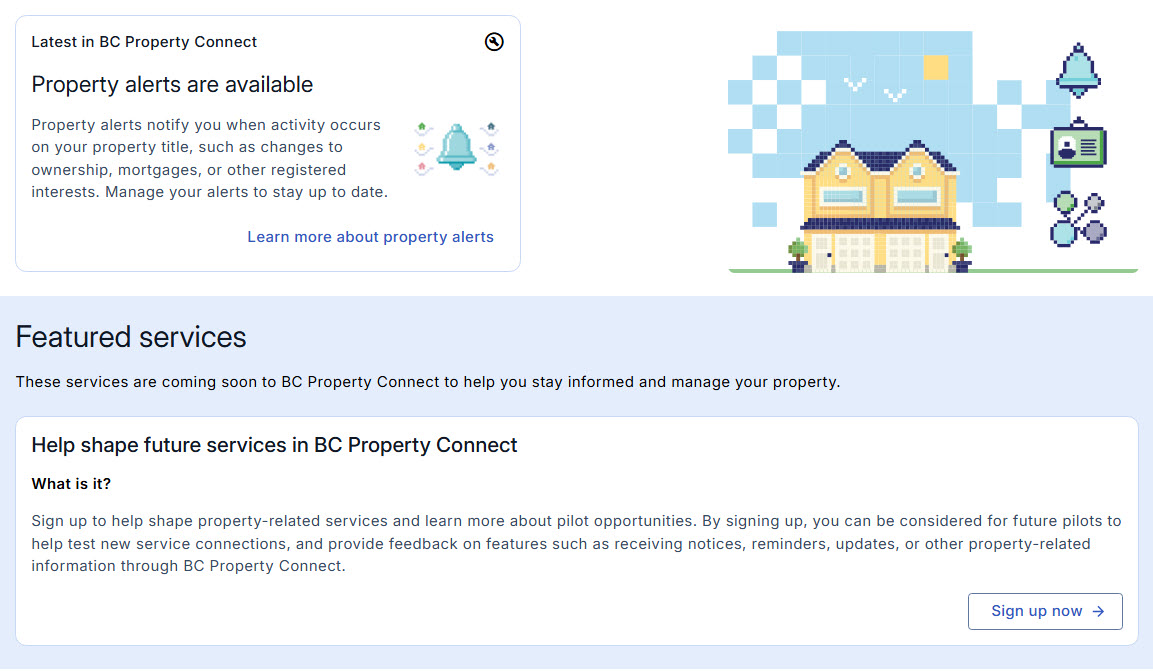
Latest information and featured services section Further down the page, you will find Resources, Help & support, and Other services sections.
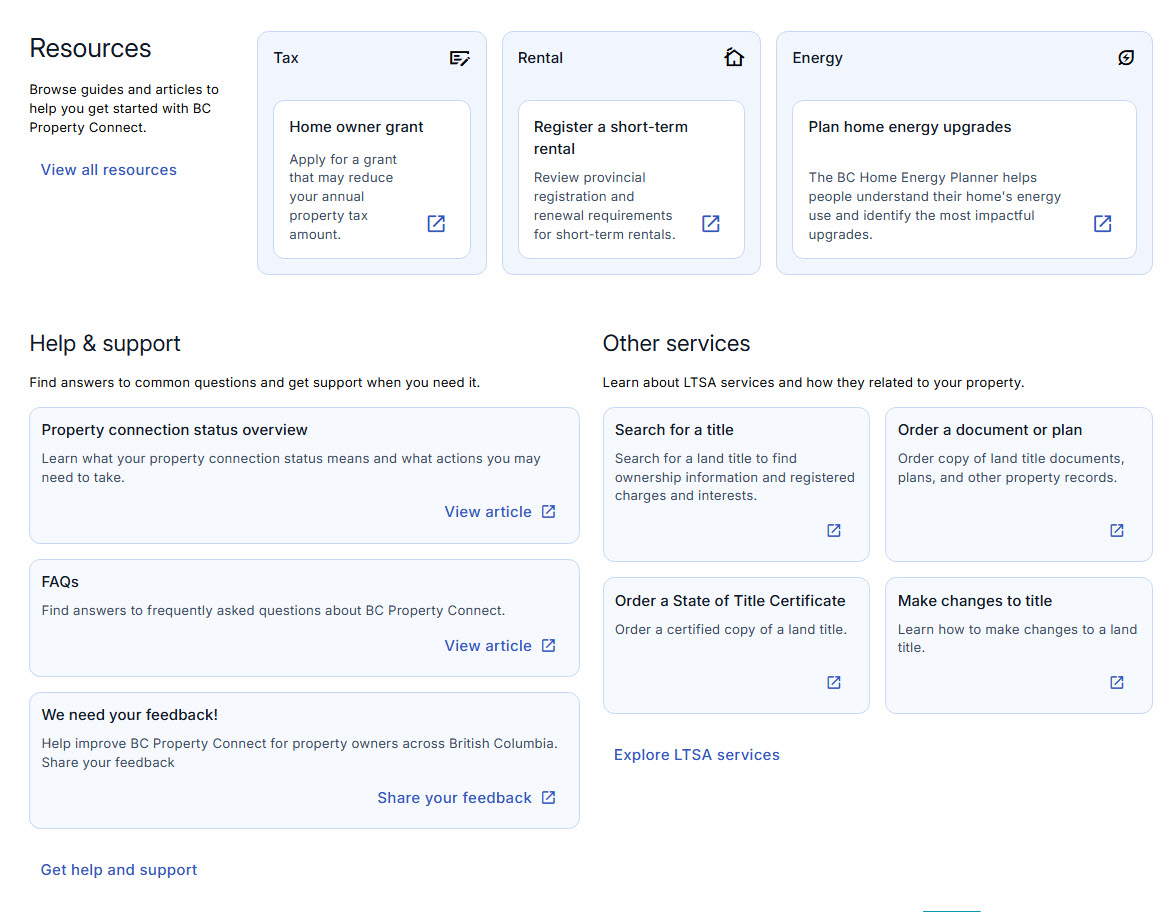
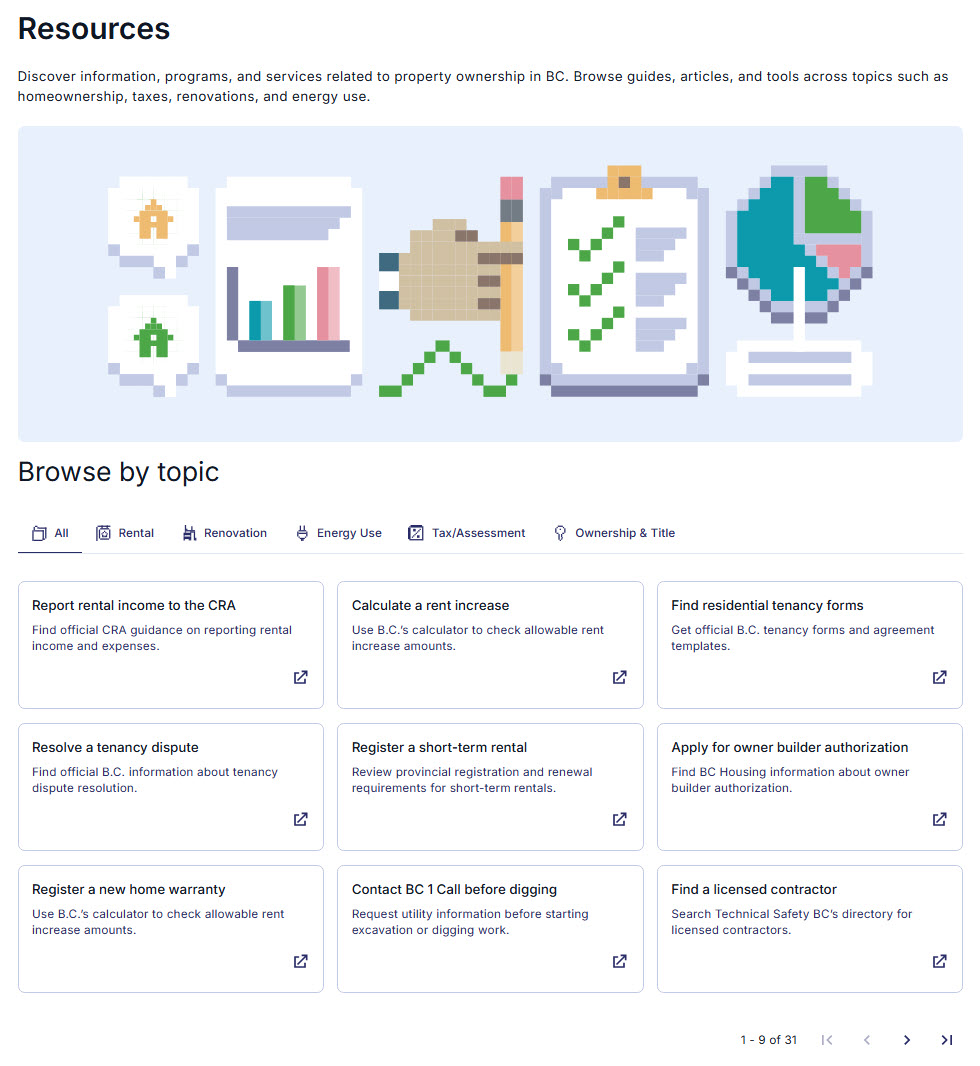
Resources, Help and Support and Other Services sections Resources page provides links to resources and services for your home, including property tax, assessment notices, home owner grants, and speculation and vacancy tax.
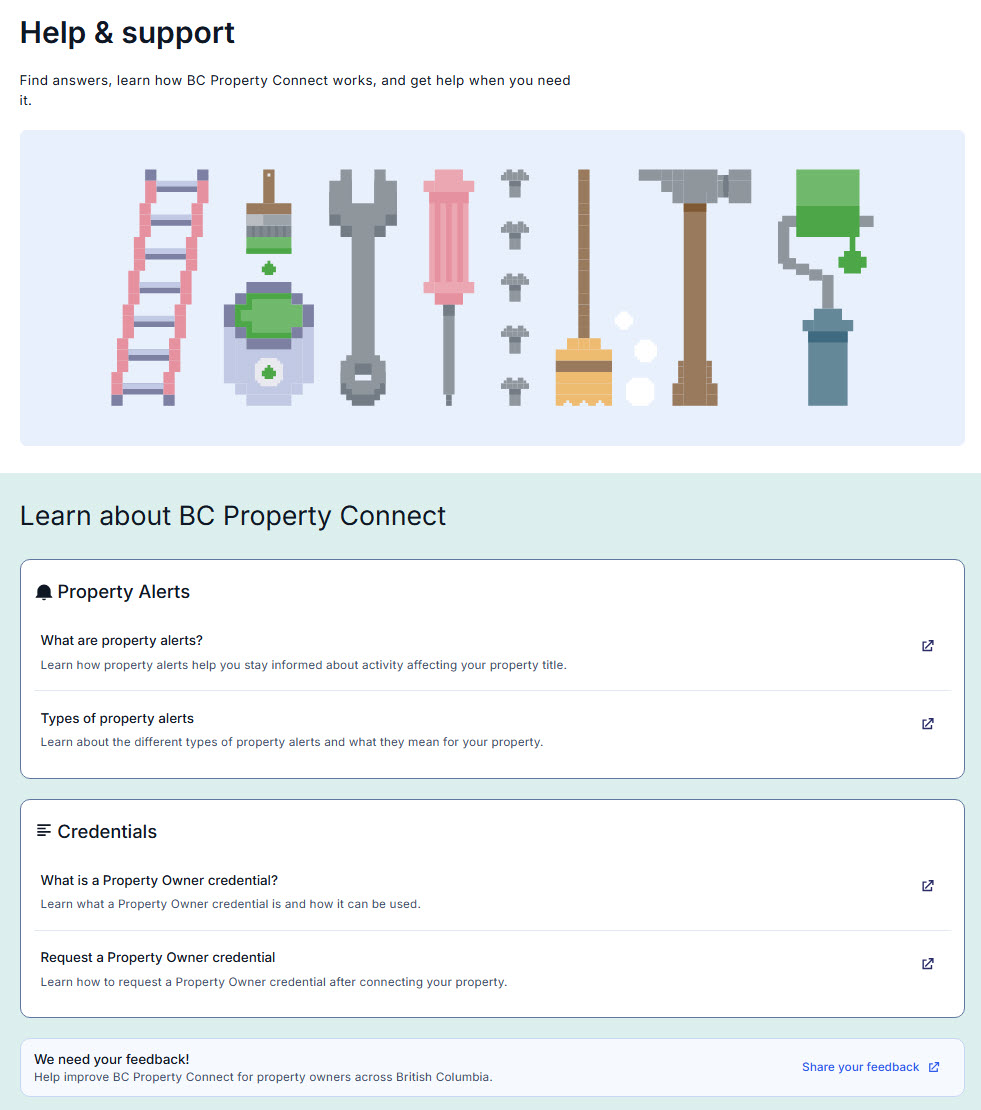
Resources page Help & support page provides links to BC Property Connect help guides and articles.
Help & support page Other services section provides links to LTSA services, including order a title, order documents and plan, and make changes to title.
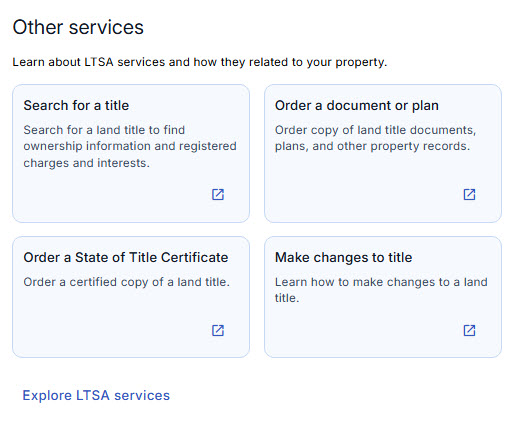
Other services section