
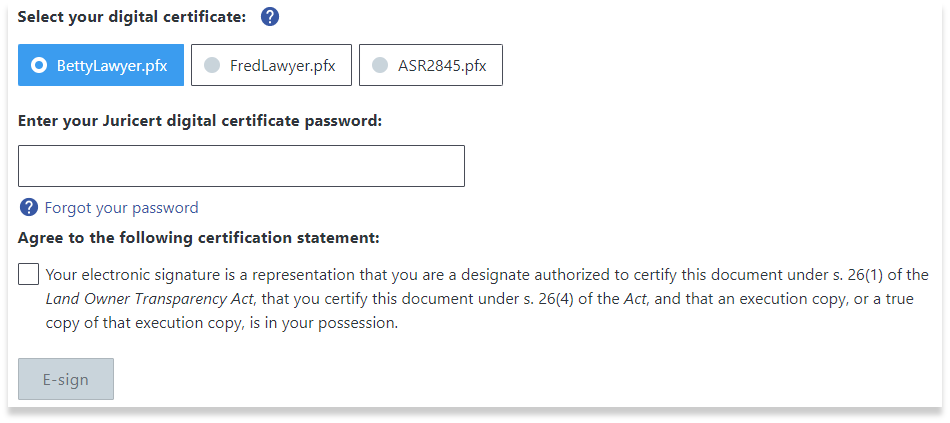
Once certified, the designate can e-sign the completed form using a Juricert Digital Certificate and pay the LOTR filing fee.
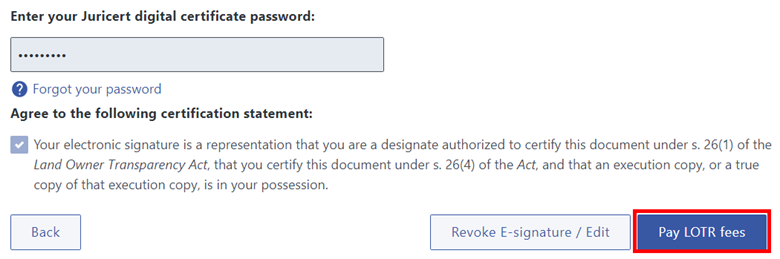
To pay the fees, click the Pay LOTR fees button after e-signing. If you are filing a transparency declaration with transparency report(s), please e-sign both the declaration and any attached report(s) before paying.
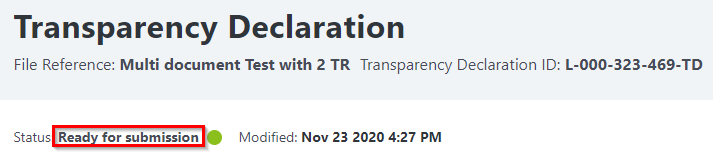
The status of the form is now Ready for Submission with a land title application. Take note of the transparency declaration ID, as you will need to associate this number with the corresponding land title application. Visit How to Submit a LOTR Filing to learn more.
LOTR Guide