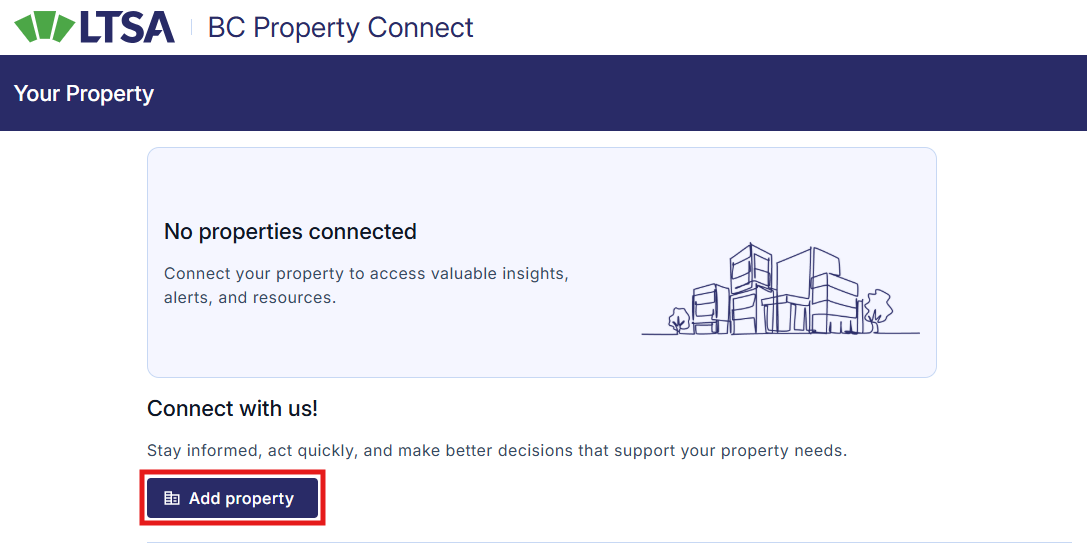
You may need to update the information on your land title and/or BC Services Card to obtain a verified status
Property Connection Status Overview
Property connection status indicates whether your property has been connected to your account. When a property is successfully connected, property alerts will automatically be activated. The system compares information from your BC Services Card with the property’s title record. There are two possible property connection statuses: Verified or Pending Verification.
Verified Status
A verified status confirms that your property has been successfully connected to your account and your property alerts are active. After activation, you will be notified by email if an application to make a change to your land title has been submitted to the land title office.
If you receive an alert about a change that you did not expect, consider seeking advice from a legal professional who can help explain the details.
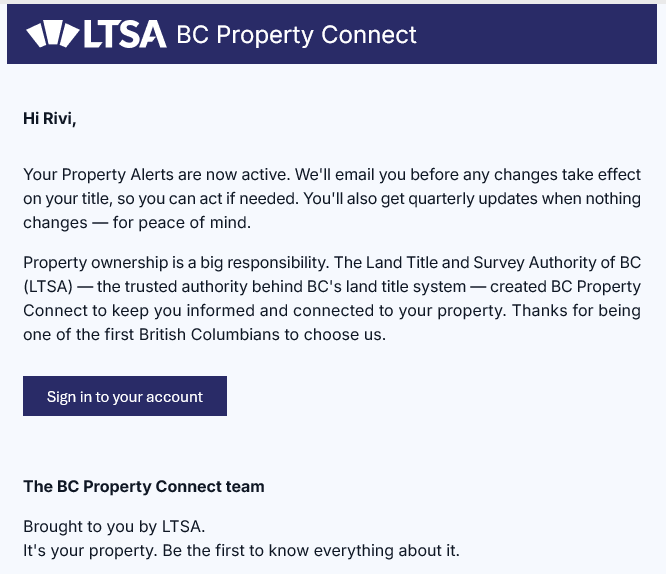
- You will receive a system email notifying you property alerts are active.
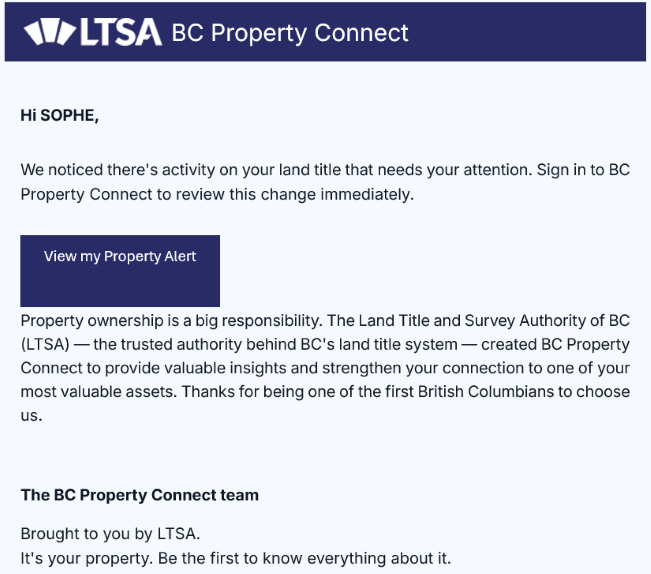
- You will receive a system-generated email notifying you that you have a new alert.
You can check your property connection status at any time. To view it, sign in to BC Property Connect account and view your property card on Your Property page.
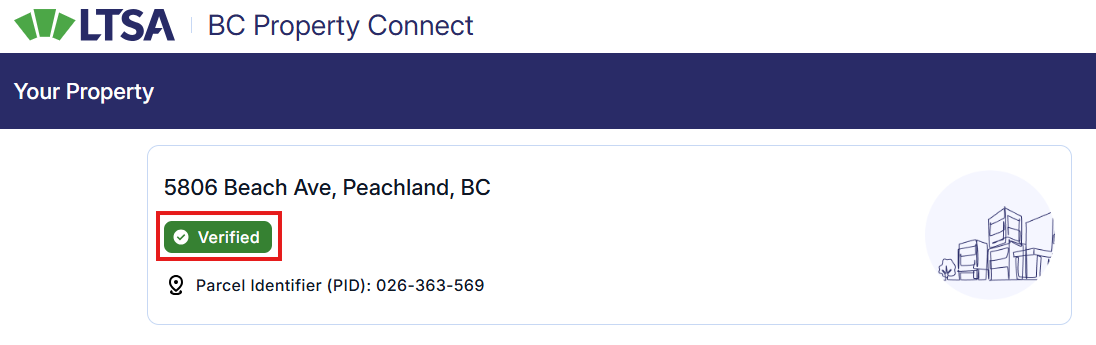
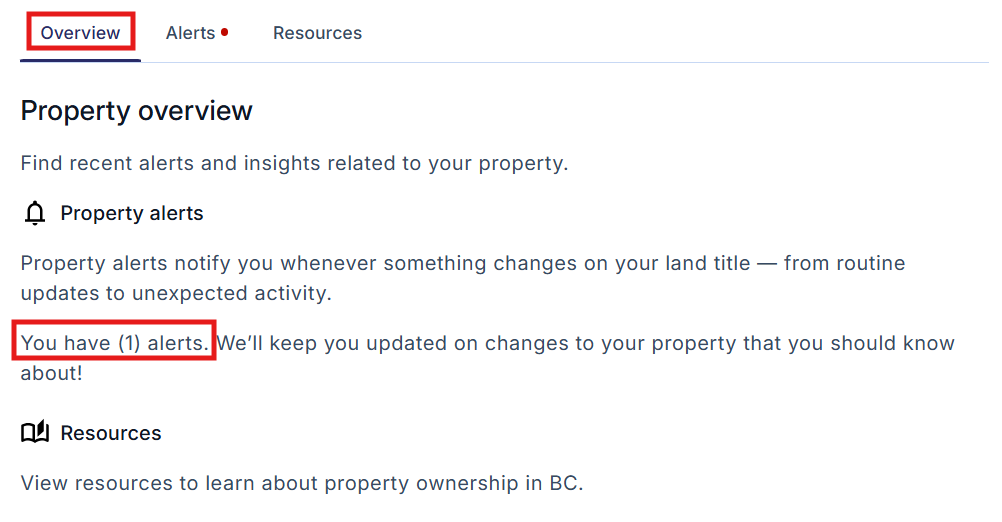
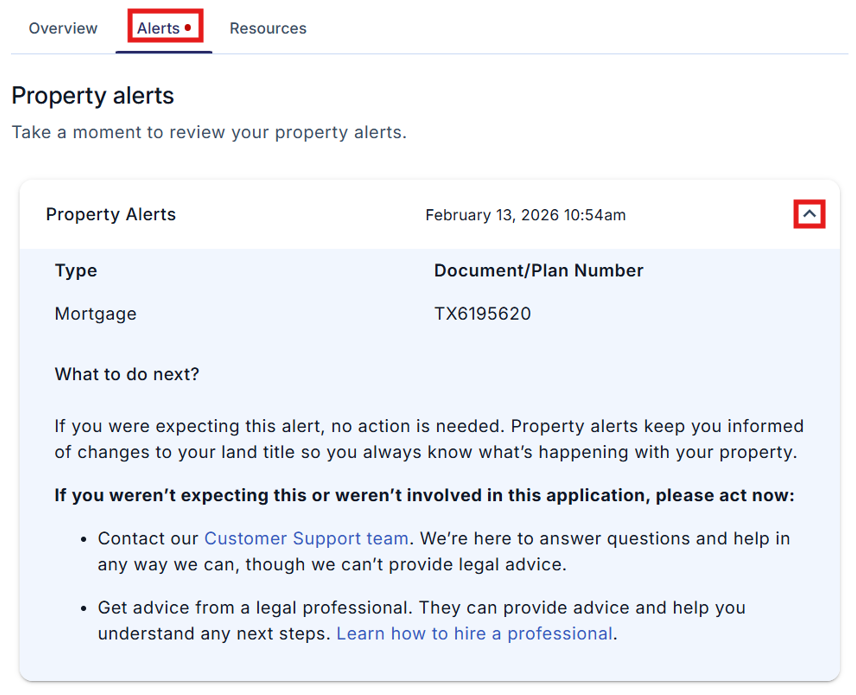
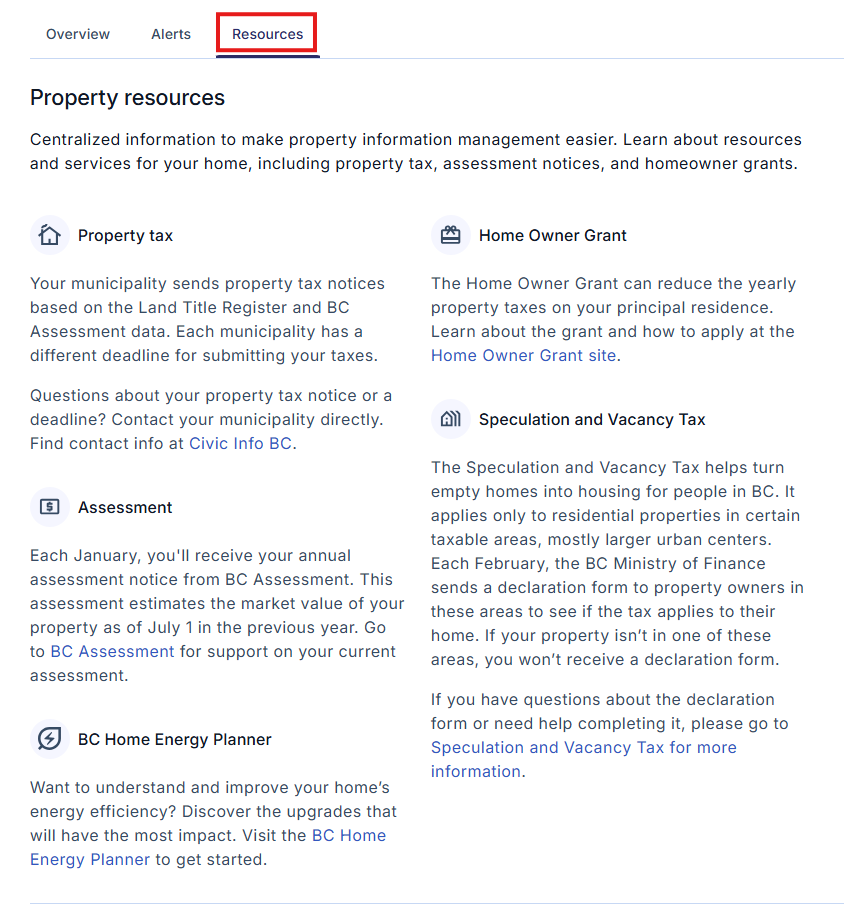
If your property connection is verified, the Overview, Alerts, and Resources tabs will appear below the property card.
Overview – This tab shows the status of your property alerts. |
|
Alerts – This tab provides the details of each property alert you have. |
|
Resources – This tab provides links to key information to help you manage different aspects of your property. |
|
Pending Verification Status
A pending verification status indicates that your property connection is still in progress, and your property alerts are not active.
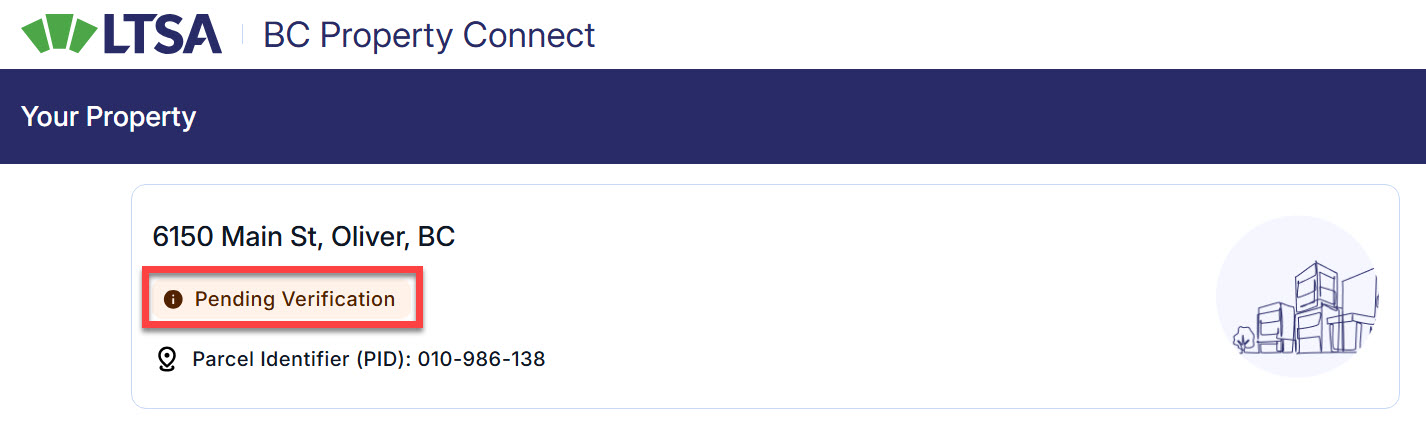
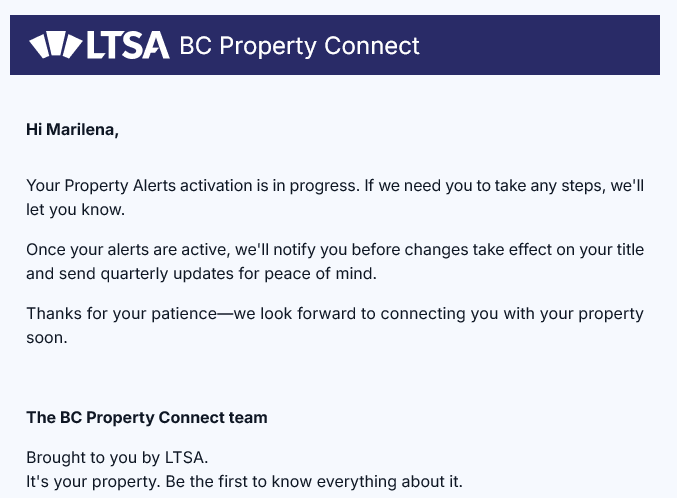
When your property connection status is pending verification, you will receive an email acknowledging that your property alerts activation is in progress. A follow-up email will provide instructions on the next steps you need to take to obtain a verified status. Next steps may include updating information on your BC Services Card or land title.
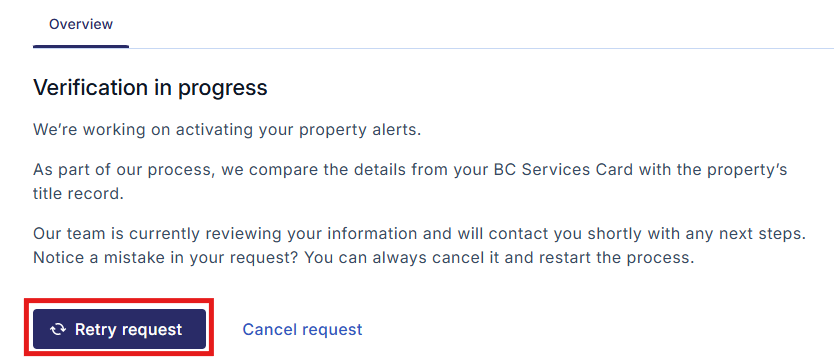
After you have updated your BC Services Card or land title information as instructed, go to the Overview tab and select Retry request to restart the activation process.
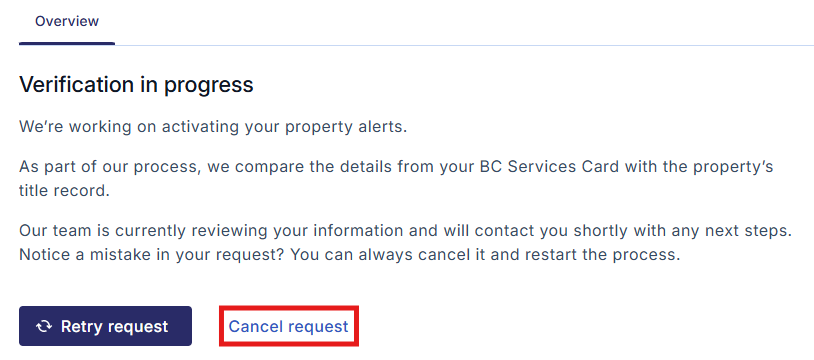
If you wish to cancel the activation process for any reason, you can do so by selecting Cancel request.
If you previously canceled the request and would like to restart the activation process, select Add property to start again.