
Click the button to confirm that all entered information is correct and complete, and then click Submit and Proceed to Payment:
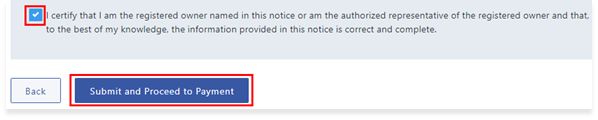
Click the Order button on the Confirm Your Order page to pay and submit the application. LTSA Explorer account users will enter credit card information to pay the associated fees for the application, while LTSA Enterprise account users will have the fee deducted from their account.

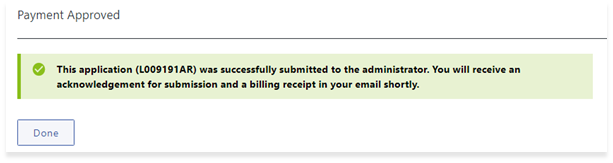
A message will be displayed to indicate payment has been made and the notice has been submitted to the Administrator:
LOTR Guide