
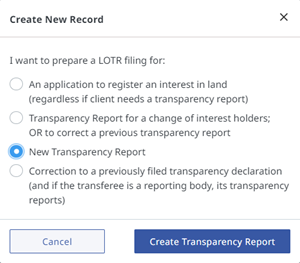
To file a stand-alone transparency report, click the Create New Record button and select the appropriate response.
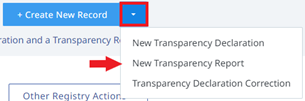
Alternatively, to bypass the wizard, click the drop down arrow and select New Transparency Report.
In most cases, a transparency report will be automatically created in LOTR when the transferee is indicated as a reporting body in the transparency declaration.
There are two ways to access a transparency report associated with a transparency declaration:
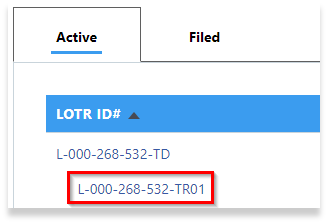
From the LOTR dashboard in an LTSA account, look for the linked transparency report under the LOTR ID# column heading and click on the hyperlink:
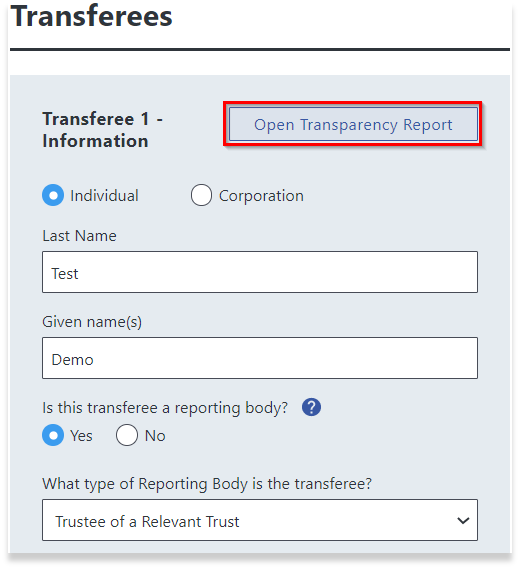
From the transparency declaration, go to the Transferee section of the form and click on the Open Transparency Report button:
LOTR Guide