To file an Application to Omit Information, legal professionals must use an LTSA Enterprise account, and individuals must use an LTSA Explorer account. The only exception to this is for applications under section 40 of LOTA where filing electronically would create an undue hardship. In those cases, the applicant must contact the Administrator to request a paper form for the application.
For LTSA Enterprise account users:
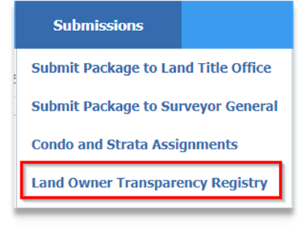
To file an Application to Omit Information, navigate to the Submissions tab and click on Land Owner Transparency Registry:
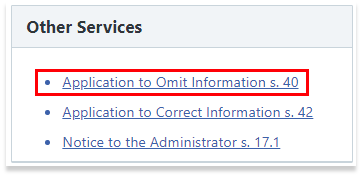
Then select Application to Omit Information s. 40 under the Other Services section to start the filing process.
For LTSA Explorer account users:
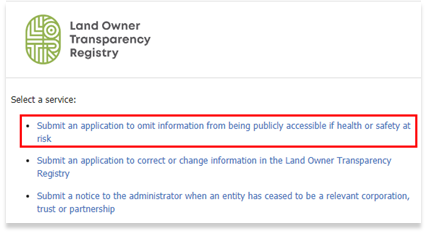
Select Submit an application to omit information from being publicly accessible if health or safety at risk to start the filing process: