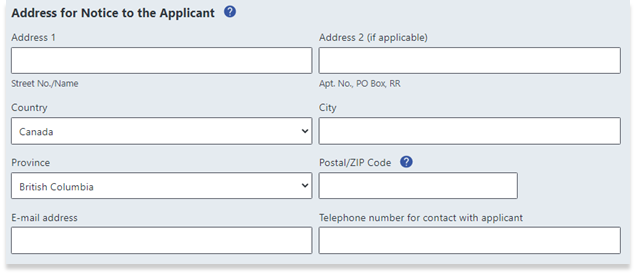
Fill out all necessary information about the applicant on the form:
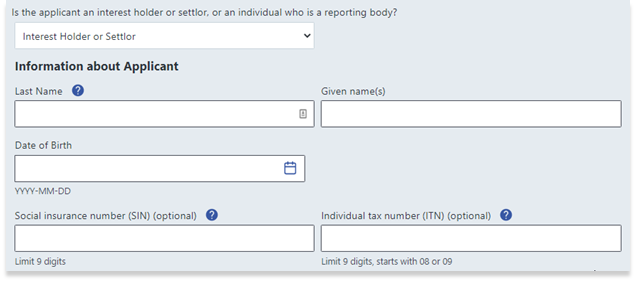
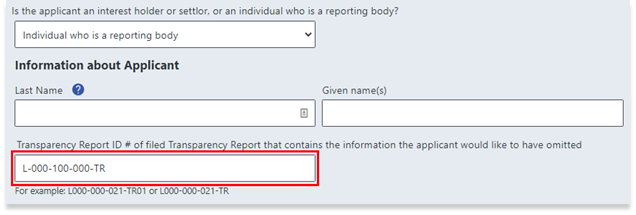
If the applicant is a reporting body, the applicant will also need to include the Transparency Report ID:
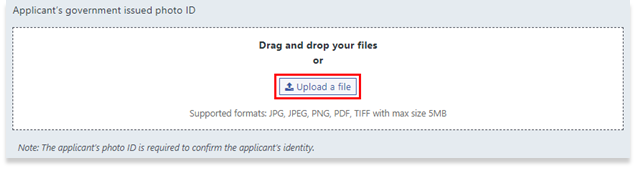
To upload a government-issued photo ID of the applicant, drag and drop a photo file to the dashed box area:
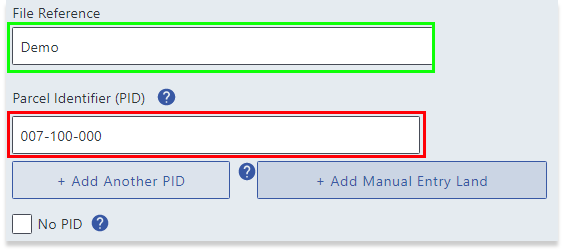
Enter the file reference (for LTSA Enterprise account users only) and the parcel identifier (PID). The PID can be found using BC Assessment or ParcelMap BC.
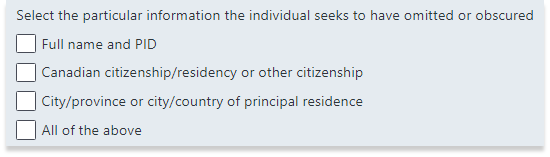
Select which information the applicant is requesting to be omitted or obscured in LOTR:
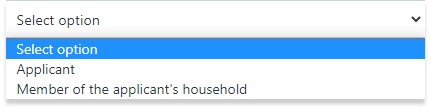
Answer the question, "Is this application being made because of an expectation of a threat to the applicant or to a member of the applicant’s household?"
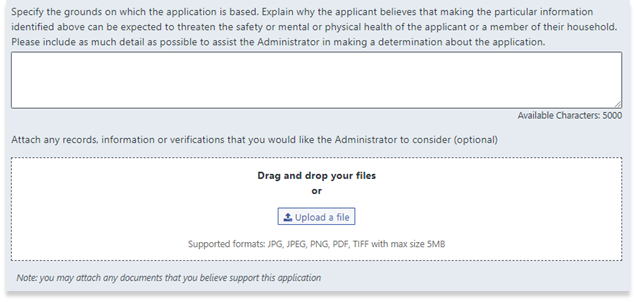
Provide specific details explaining the reason for filing the application, and attach any relevant records, information or verifications to the application. To attach a file, drag and drop to the dashed box area:
Fill out all necessary fields in the Address for Notice to the Applicant section: