
To file an Application to Correct Information, legal professionals must use an LTSA Enterprise account, and individuals must use a LTSA Explorer account.
For LTSA Enterprise account users:
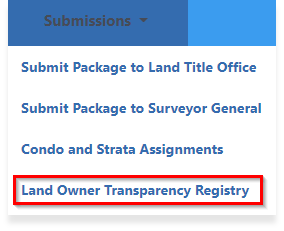
To file a Application to Correct Information, navigate to the Submissions tab and click Land Owner Transparency Registry:
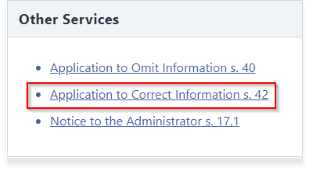
Then select Application to Correct Information s. 42 under the Other Services section to start the filing process.
For LTSA Explorer account users:
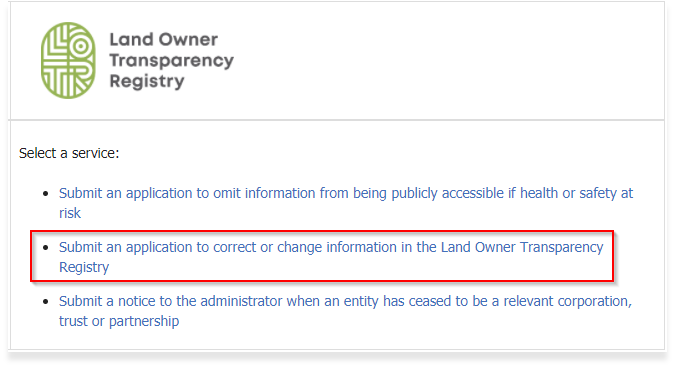
Select Submit an application to correct or change information in the Land Owner Transparency Registry to start the filing process:
LOTR Guide